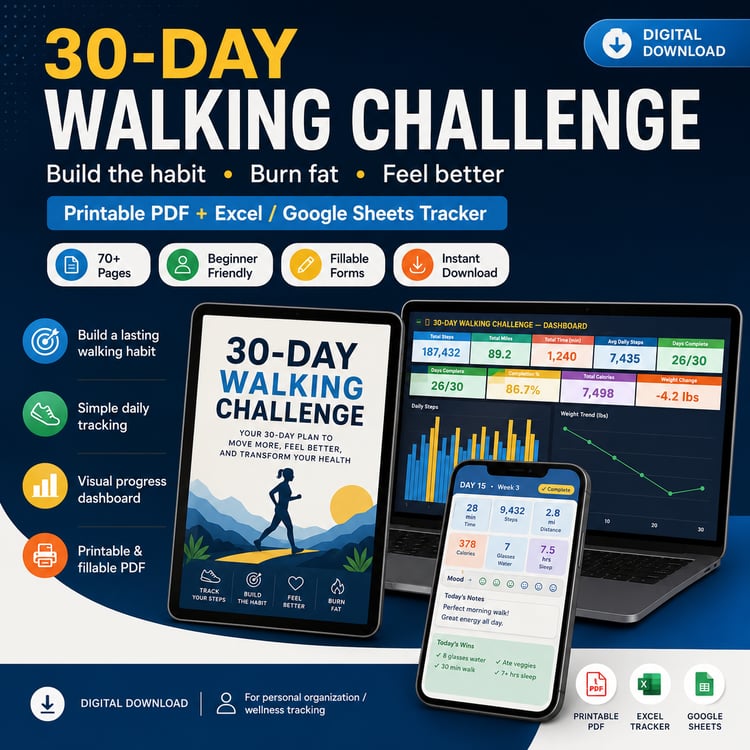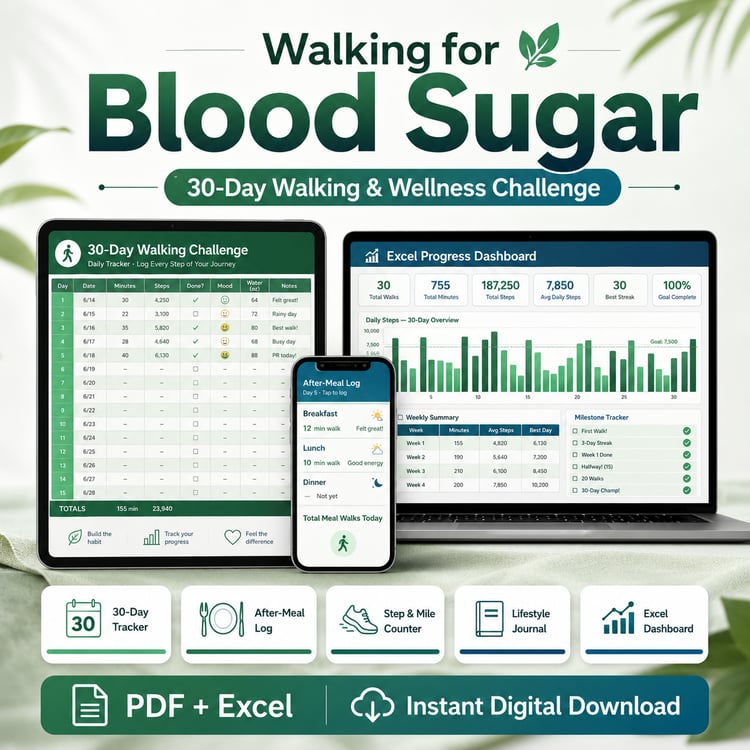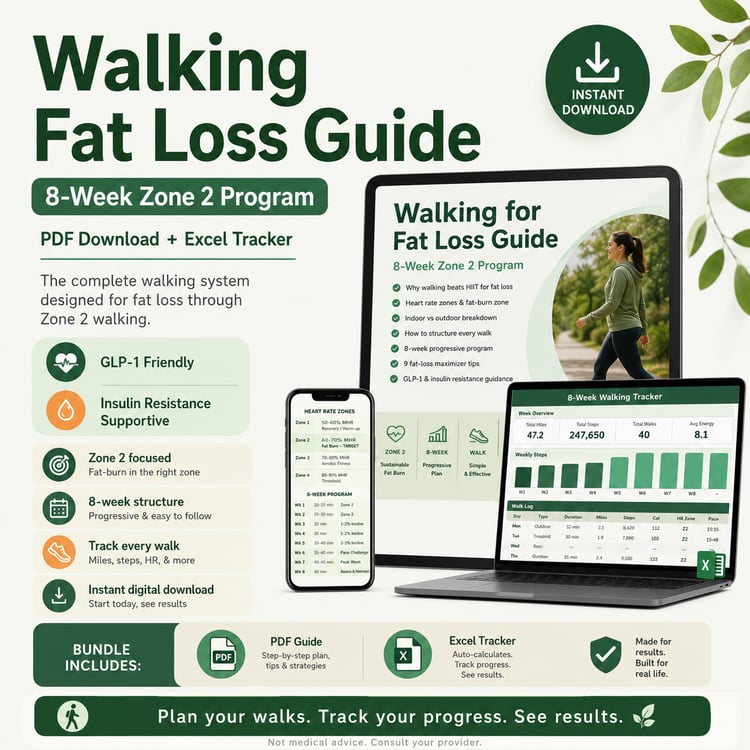

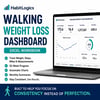

Walking Weight Loss Dashboard | 52-Week Excel Tracker + PDF Companion Guide
See how your walking habits are adding up.
You’ve been walking, tracking steps, and working toward your weight-loss goals—but scattered numbers from your phone, watch, scale, and notes do not always show the full picture.
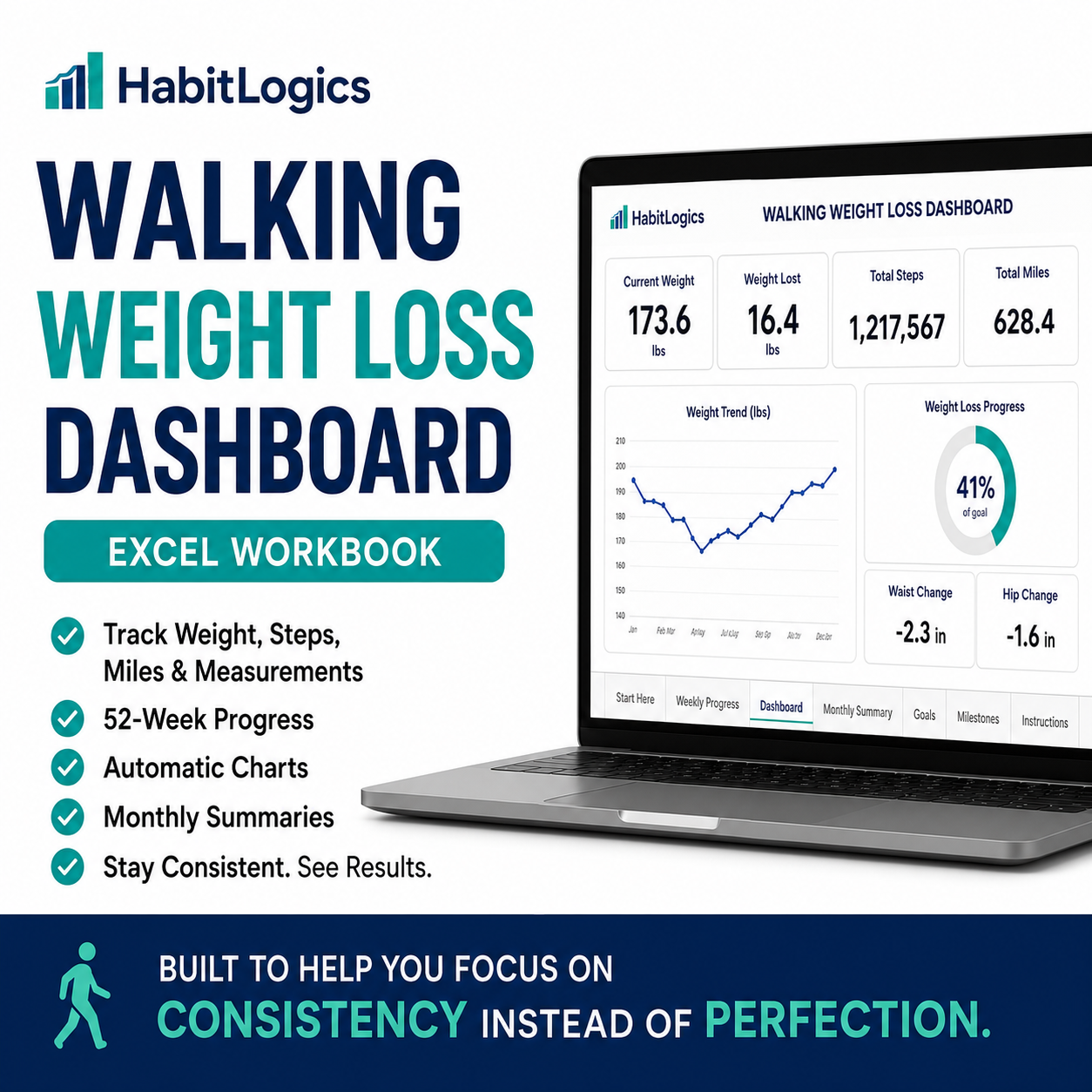
The HabitLogics Walking Weight Loss Dashboard brings your most important progress data together in one clear, visual Excel system.
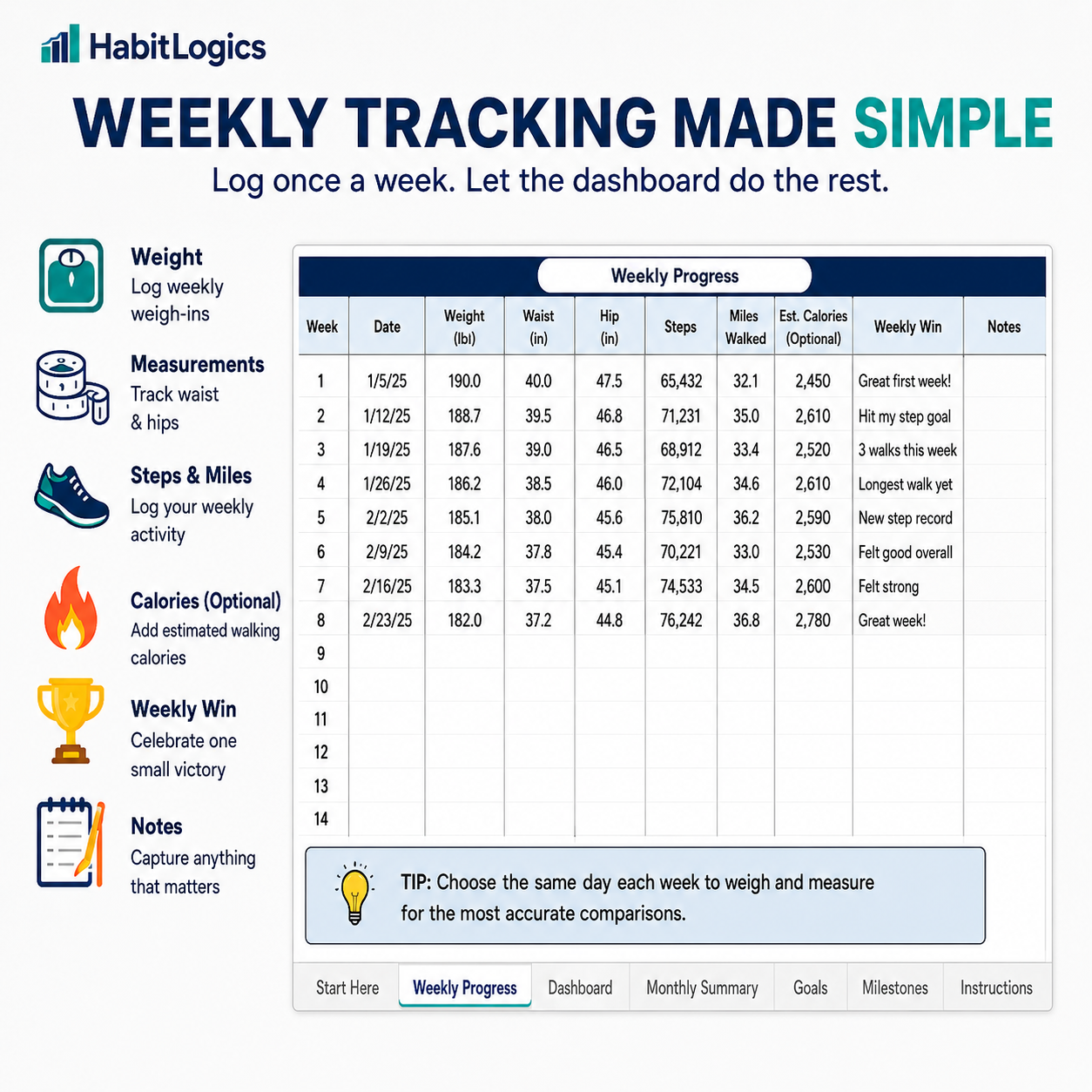
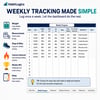
Enter your results once per week and let the workbook automatically organize your weight, measurements, steps, miles, estimated walking calories, goals, and long-term trends.
No subscription. No complicated fitness app. No formulas to create.
Just a simple weekly system designed to help you stay consistent and see your progress.
What You Can Track
- Weekly weight
- Total weight lost
- Waist and hip measurements
- Weekly steps
- Average daily steps
- Cumulative steps
- Weekly miles walked
- Cumulative miles
- Estimated walking calories
- Step and mileage goals
- Weekly wins
- Personal notes
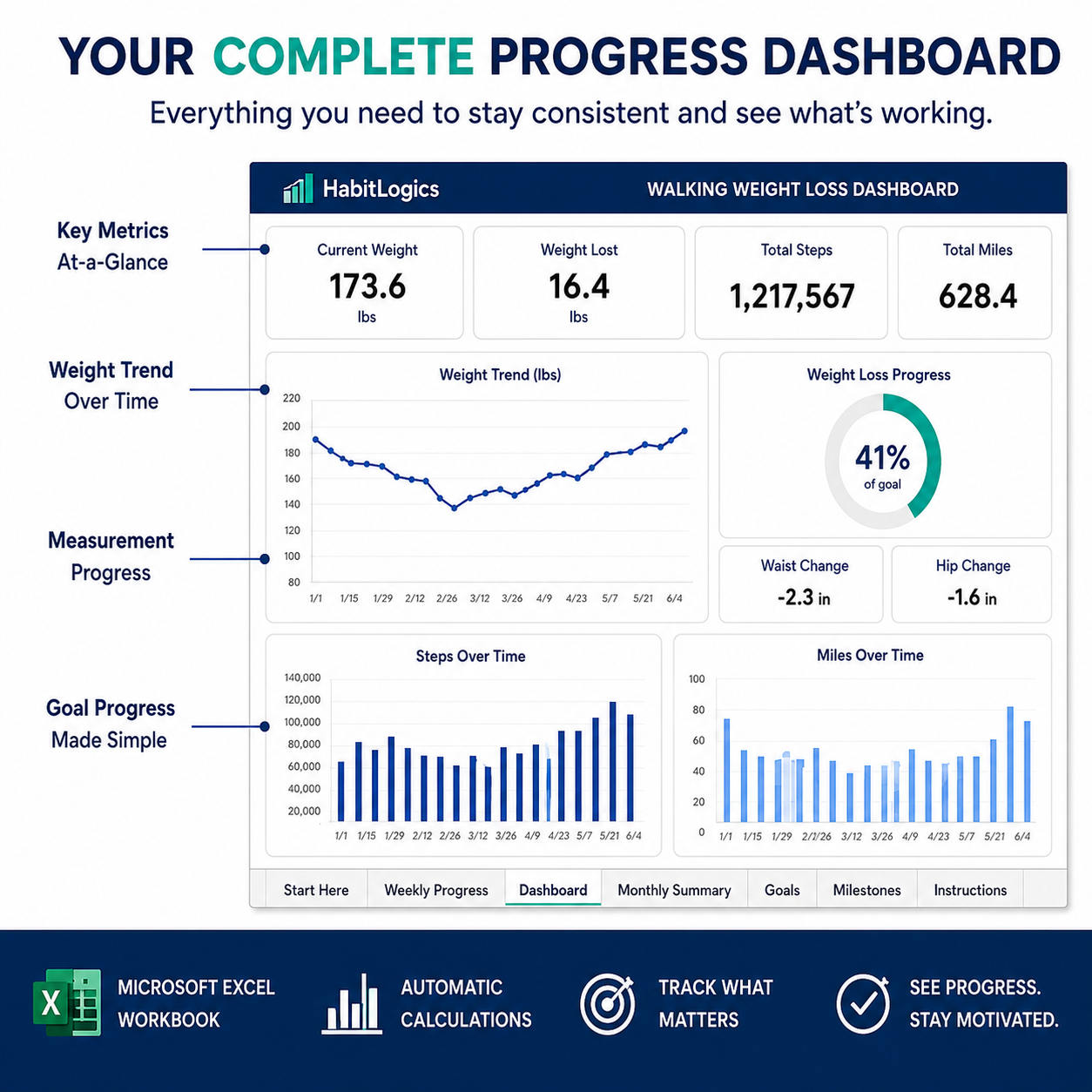
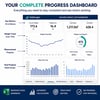
Your Complete Walking Progress Dashboard
The automatic dashboard gives you an easy-to-understand visual overview of your progress, including:
- Starting and current weight
- Total weight lost
- Average weekly weight change
- Goal weight and pounds remaining
- Weight-loss goal completion
- Waist and hip changes
- Total steps
- Total miles
- Estimated walking calories
Six automatic charts help you visualize:
- Weight trends
- Total weight lost
- Waist and hip changes
- Cumulative steps
- Cumulative miles
- Weekly walking calories
Simply enter your weekly data and let the workbook handle the calculations.
What’s Included
HabitLogics Excel Workbook
Your workbook includes:
- Start Here: Enter your starting information and walking goals
- Weekly Progress: Track 52 weeks of weight, measurements, steps, miles, calories, notes, and weekly wins
- Dashboard: Review automatic calculations, progress metrics, and charts
- Monthly Summary: See your results organized by month
- Walking Goals: Plan your routine, milestones, and weekly walking schedule
- Instructions: Follow the built-in setup and troubleshooting guide
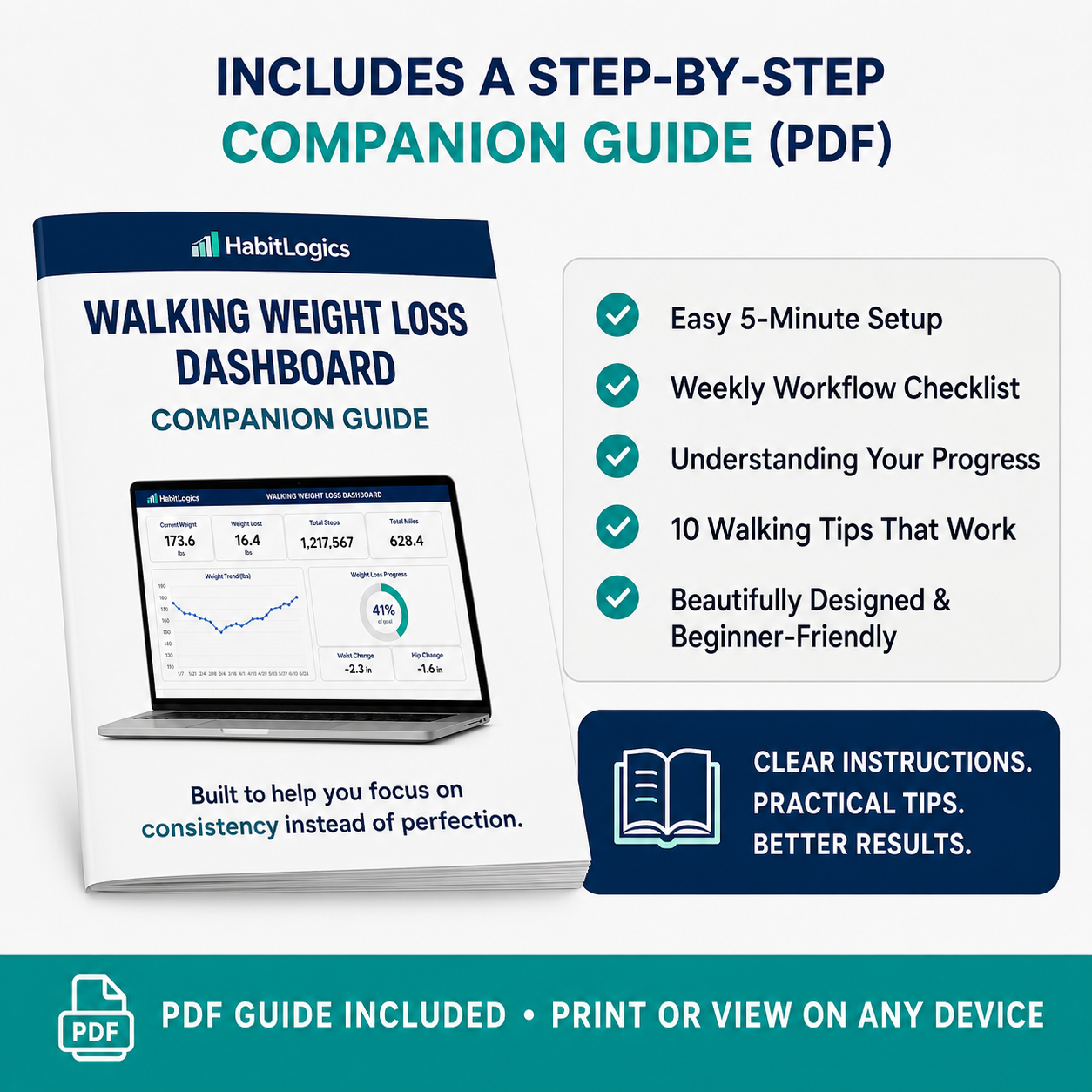
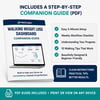
Premium PDF Companion Guide
You will also receive a professionally designed five-page quick-start guide featuring:
- Easy five-minute setup
- Weekly workflow checklist
- Dashboard guidance
- Progress-tracking tips
- Ten practical walking tips
- Real workbook screenshots and examples
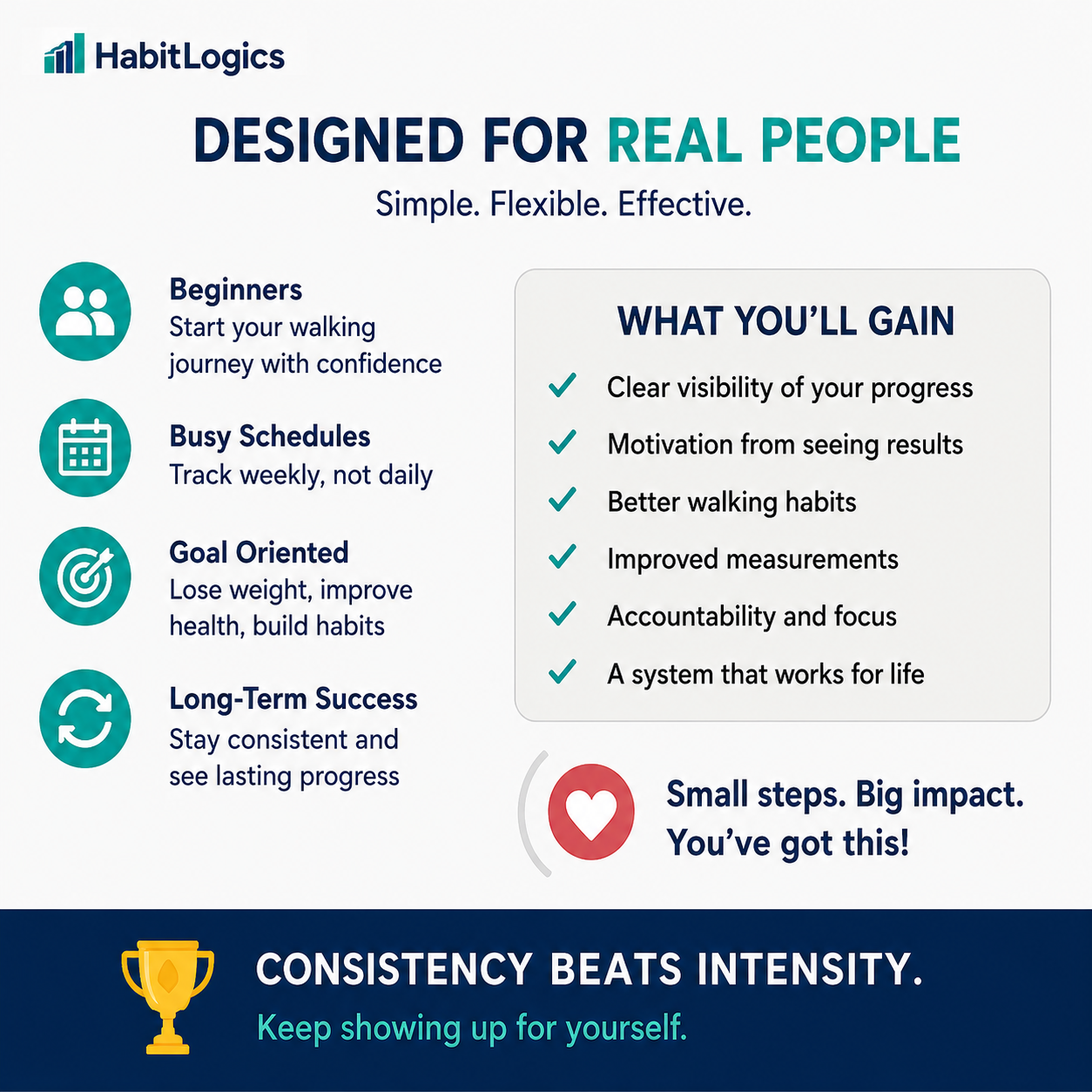
Designed for Real Life
This system is ideal for:
- People walking for weight loss
- Beginners starting a walking routine
- Busy adults who prefer weekly tracking
- Step and walking challenge participants
- People tracking non-scale progress
- GLP-1 users incorporating more movement
- Anyone who prefers spreadsheets over subscription fitness apps
You do not need advanced Excel experience. The formulas, calculations, and charts are already built for you.
How It Works
- Enter your starting information and goals.
- Record your results once per week.
- Review your automatic dashboard and charts.
- Celebrate one weekly win.
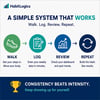
- Continue the process:
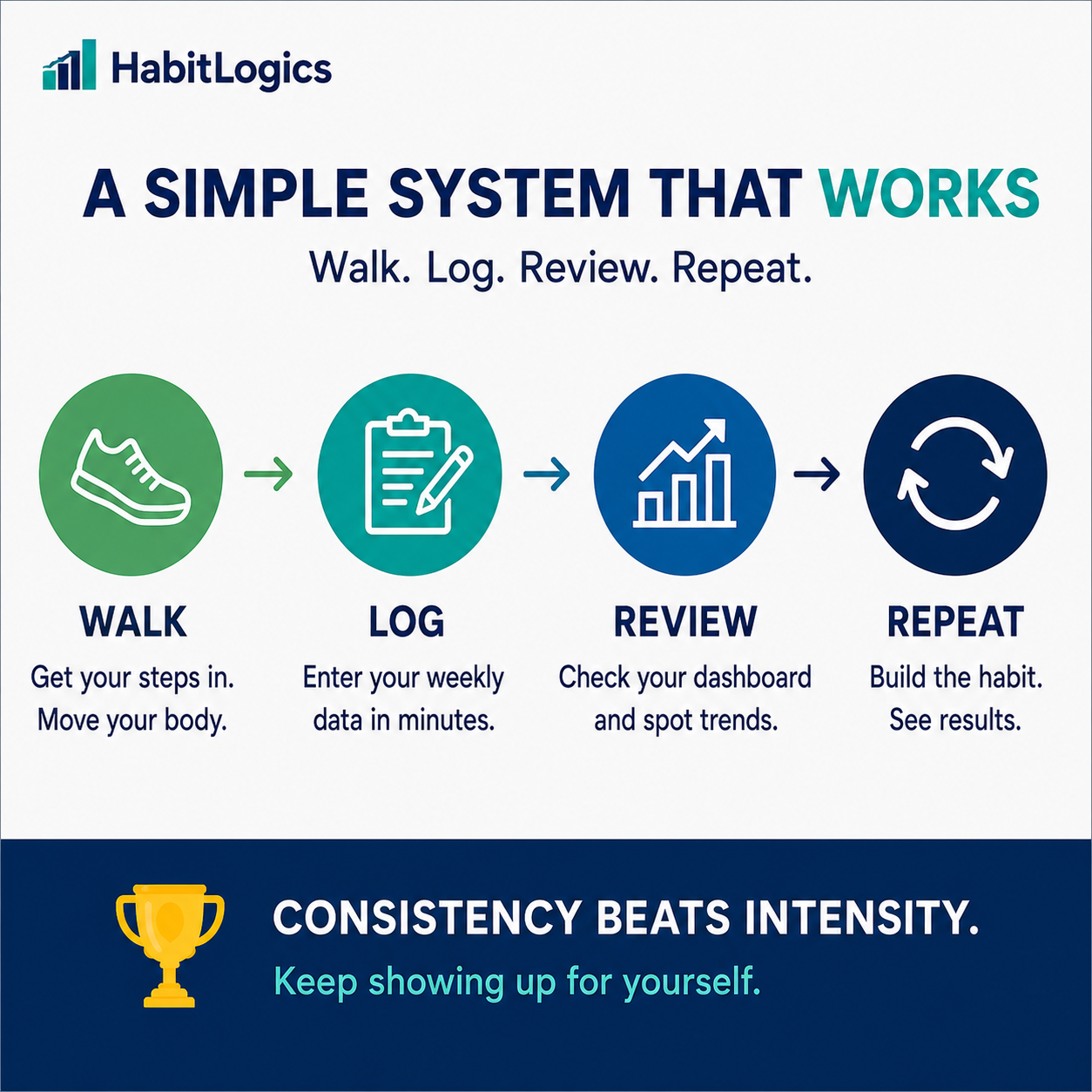
Walk → Log → Review → Repeat
The goal is not perfect data.
The goal is a repeatable habit.
Files You’ll Receive
- 1 Microsoft Excel workbook
- 1 five-page PDF companion guide
- Eight weeks of removable sample data
- Built-in formulas and automatic charts
- Instant digital access
Microsoft Excel is recommended for the best functionality and formatting. Compatibility with other spreadsheet programs may vary.
Important Information
This is a digital product. No physical item will be shipped.
For personal use only. Redistribution, resale, sharing, or commercial use of the files is not permitted.
This workbook is intended for personal organization, habit tracking, and educational purposes. It does not provide medical advice or guarantee weight-loss or fitness results. Walking calorie figures are estimates entered by the user or their tracking device.
HabitLogics.com — Practical systems for better habits.